

Custom WordPress development services should give you one thing off the bat: a site built around your business constraints, not around a theme’s constraints. That’s the whole point. If the vendor is basically installing a premium theme, stacking 25 plugins, and calling it “custom,” you’re not buying custom development, but you’re buying future friction.
In 2026, “custom WordPress” usually includes some mix of:
- A custom block library (Gutenberg) so your marketing team can build pages without begging engineering.
- A design system (even a lightweight one) so the site stays consistent as it grows.
- Intentional performance work: caching strategy, image pipeline, database hygiene.
- A plan for traffic spikes, seasonal sales, and campaign launches.
The Evolution of WordPress Development
WordPress has changed a lot from its early blogging days and is now commonly cited as powering nearly 50% of all websites, which is part of why the ecosystem is both powerful and chaotic (so many plugins, so many hosting configurations, so many “experts”). The platform’s center of gravity has also shifted toward:
- Block editor (Gutenberg): more teams build reusable blocks instead of one-off page templates.
- Headless WordPress: decoupling the admin/content layer from the front-end presentation for speed and flexibility.
What this means for your evaluation: a modern custom WordPress provider should be comfortable explaining why they’re choosing a classic theme, block theme, hybrid, or headless, based on your team and business, not based on what they feel like building this month.
Scalability Matters for Custom WordPress development services:
People think “scalable” like it’s a magic charm. Still, in practice, this feature comes down to one general question: can the site actively handle increased traffic, more content, and more integrations without slowing down? A reliable WordPress development company builds with that reality in mind from day one, not as a patch job when things start crumbling.
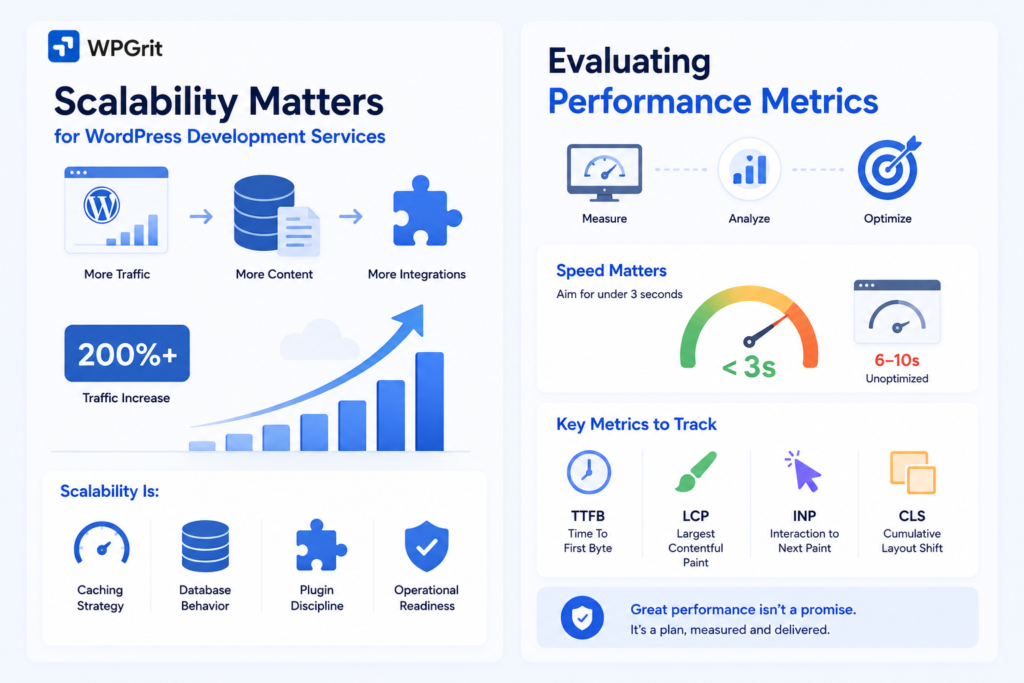
You’ll often hear claims like “a well-designed custom WordPress site can accommodate traffic increases of over 200%.” That may be true in many cases, but the point isn’t the number. The point is whether the vendor can show you the constraints and the plan.
Scalability is:
- Caching strategy.
- Database behavior.
- Plugin discipline.
- Operational readiness.
Evaluating Performance Metrics
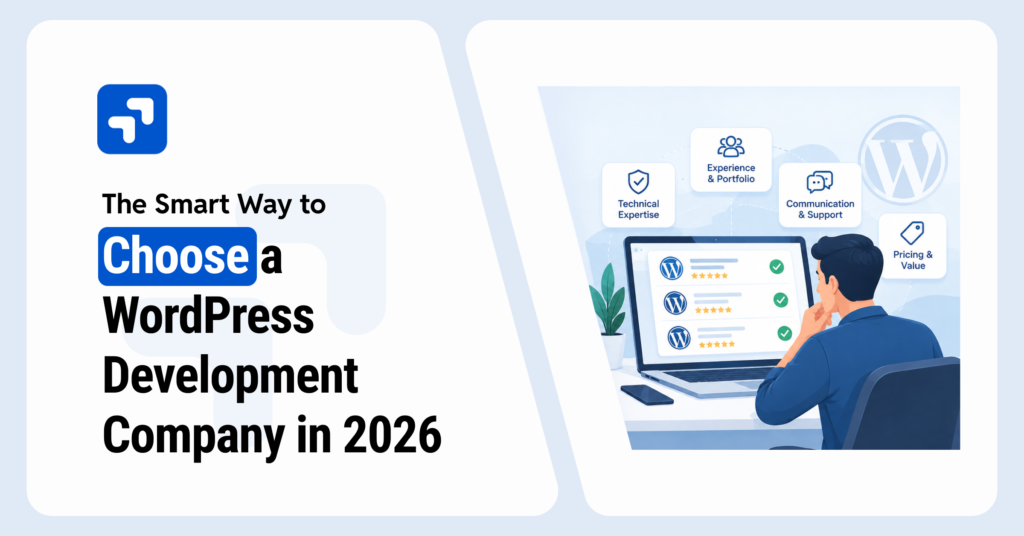
Performance is a more serious point where most WordPress development companies lag because it’s something that shows clearly; you can’t hide it under code. When you’re evaluating custom WordPress development services, ask what they measure for performance, what tooling they use, and what thresholds they consider acceptable. The best WordPress developers don’t hide behind vague promises; they walk you through their performance budget like it’s a non-negotiable blueprint.
Speed (what to measure, not just what to promise)
You’ll often hear the best-practice guidance that websites should load in under three seconds, while many unoptimized sites land in the six-to-ten-second range. Whether your site needs to be 1.2s or 2.8s depends on what you do, but if a vendor can’t talk concretely about speed, that’s a problem. A reliable WordPress website development company won’t just quote industry averages; they’ll define performance targets specific to your audience, geography, and business goals.
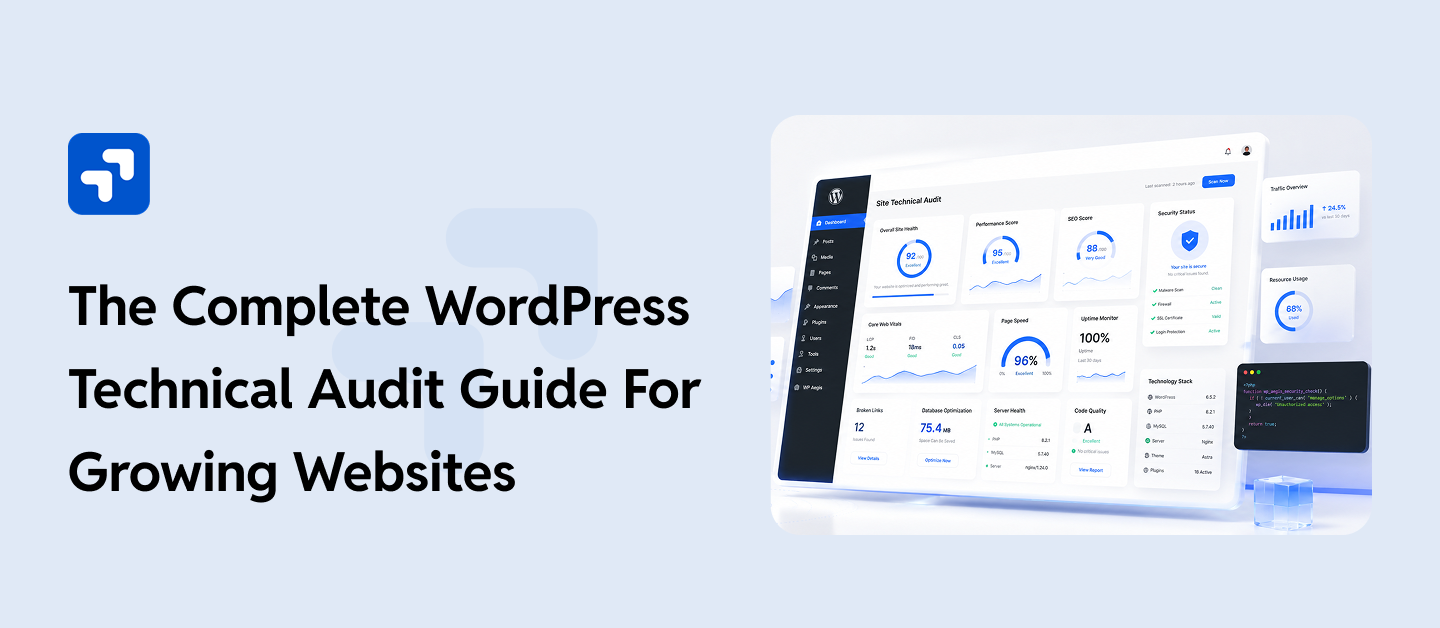
Here’s what I typically ask a provider to report on for any serious build:
- TTFB (Time To First Byte): a quick way to spot back-end slowness, bad caching, or underpowered hosting.
- LCP (Largest Contentful Paint) tells you whether the page feels fast.
- INP (Interaction to Next Paint)tells you if the site feels sluggish when users click.
- CLS (Cumulative Layout Shift) tells you if things jump around as it loads (a conversion killer).
Uptime (reliability is part of performance)
A serious WordPress development service provider should be comfortable committing to 99.9% uptime. That sounds small, but it’s meaningful: it’s fewer than five hours of downtime per year. If your business depends on the site, those hours are real money. When investing in development services for WordPress, uptime commitments reveal whether a vendor treats your site as mission-critical infrastructure or just another project in their queue. I also want to know:
- Do they set up uptime monitoring (and who gets paged)?
- Do they have an incident process?
- Do they track error rates and PHP fatals?
- How do they handle traffic spikes, rate limiting, WAF rules, and caching warm-ups- if the answer is “our host handles that,” press harder. Hosting helps, but bad code and bad deployments can still take down great infrastructure.
Pricing Models: What to Expect
Price matters. But the cheapest custom WordPress development solution is usually the most expensive because you pay more for rewrites.
Most providers price custom WordPress work in a few common ways:
- Project-based (fixed scope): good for a defined build; risky if your requirements are still moving.
- Time & materials: flexible; requires trust and tight communication.
- Retainer: ongoing roadmap + maintenance; good if you’re serious about growth.
The trap is comparing proposals that sound similar but hide different assumptions.
What pricing should include (and what people “forget”)
When I review a proposal, I look for line items or explicit language around:
- Discovery and technical planning (if this is missing, you’ll pay later)
- Performance work (not just “we’ll optimize”)
- Environment setup (staging, version control, deployments)
- QA process (cross-browser, accessibility basics, mobile)
- Content migration (often underestimated)
- Post-launch support window
- Ongoing maintenance and update policy
If it’s not in writing, it’s not included.
Step-by-step: how to compare two quotes without getting fooled
Let’s say you get two quotes:
- Vendor A: $18k “custom WordPress site”
- Vendor B: $45k “custom WordPress site”
Before you assume Vendor B is overpriced, do this:
- Ask both for a deliverables checklist (pages/templates, blocks, integrations, forms, search, analytics).
- Ask both what’s excluded (hosting, copy, images, SEO migration, redirects, performance testing, monitoring).
- Ask both about post-launch (bug-fix window, response times, maintenance options).
- Ask both about scalability choices (caching, object cache, CDN, database strategy).
- Ask both how they handle change requests (process and rates).
Nine times out of ten, Vendor A is cheap because they’re assuming:
- fewer templates,
- minimal testing,
- no meaningful performance budget,
- And a handoff where you own the mess.
That might be okay if you have an internal team that can take over. If you don’t, you’re buying risk.
Value for Money (ROI is real, but only if you can ship)
The classic argument is true: if a custom WordPress development service improves performance and scalability, it can pay for itself through better conversions, higher engagement, and fewer fire drills.
But I’m picky about how teams talk about ROI.
A good provider will tie technical work to business outcomes:
- “We’ll reduce script bloat so landing pages stay fast even after marketing adds pixels.”
- “We’ll build reusable blocks, so your team can publish campaigns without dev time.”
- “We’ll implement caching and monitoring so a traffic spike doesn’t take checkout down.”
A weak provider will say “it’ll be faster” and leave it at that.
Common pricing mistakes I see
- Not budgeting for maintenance. WordPress is software. Software gets updates.
- Paying for custom everything. Sometimes a boring plugin is the right call.
- Skipping discovery to ‘move faster.’ That’s how you end up rebuilding IA, content types, and templates mid-project.
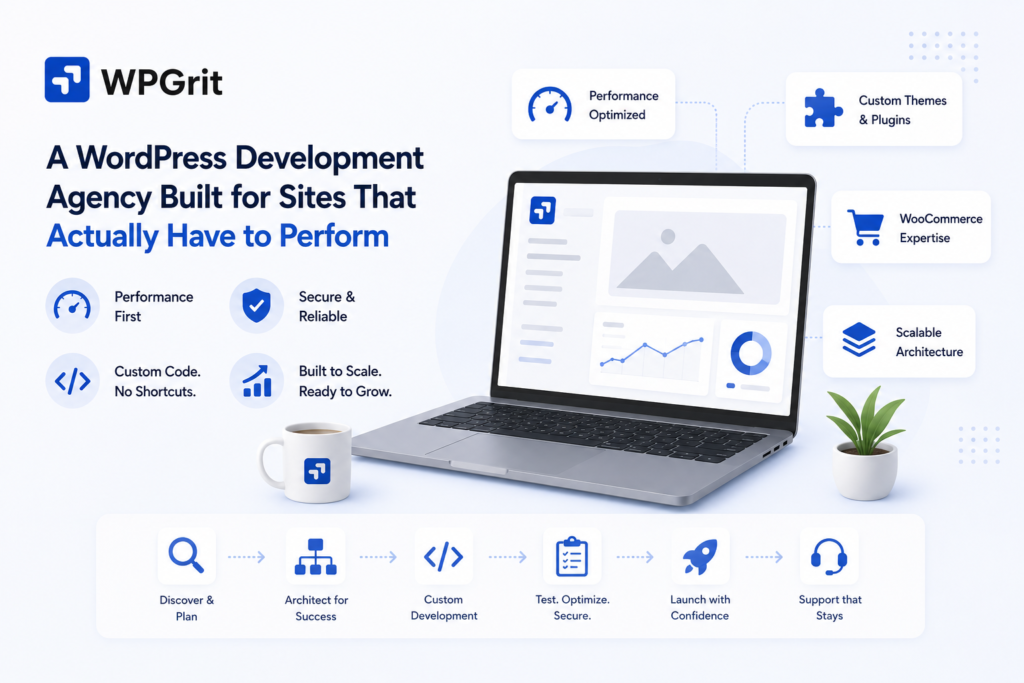
WPGrit: A WordPress Development Agency Built for Sites That Actually Have to Perform
After going through examples like the WooCommerce store that collapsed under Friday sale traffic, most buyers eventually land on the same honest question: Where do you find a team that builds the site effectively from day one?
Finding a dedicated WordPress development agency that thinks seriously about caching architecture, plugin discipline, and content modeling before writing a single line of code is genuinely a shorter list than you’d expect.
WPGrit belongs on the list of professional custom WordPress development companies. And the name tells you something: the “grit” isn’t branding; it’s the operating philosophy. We’ve built a reputation as a Custom WordPress service provider that stays in the hard parts of a project instead of handing off problems to the client when things get complicated.
As a WordPress website development company, WPGrit doesn’t treat discovery as a formality. Their approach to custom WordPress website development starts with understanding your team’s workflows, your traffic behavior, your publishing model, and where your current setup is already creating drag.
Their WordPress web development services are structured around what serious sites actually need.
Custom themes built from scratch to match your brand and editorial reality, not adapted from a starter theme with a fresh color palette.
Custom plugins that handle complex business logic cleanly, without the update-anxiety and conflict risk that come from stacking off-the-shelf solutions.
Advanced API integrations.
Headless WordPress builds for teams that need front-end flexibility without giving up the CMS their editors already know.
WooCommerce solutions engineered to hold up under real eCommerce load, not just light traffic on a quiet Tuesday.
All of it delivered as a Custom WordPress solution designed around your specific constraints, not a templated package renamed to sound bespoke. What consistently separates the best WordPress developers from teams that look impressive in a proposal is what happens six months after the site goes live.
Their custom WordPress development services follow a clear process: discovery and strategy, then architecture planning, then development with custom themes, plugins, and integrations built to your actual requirements, then a thorough QA pass covering speed, SEO readiness, security, and cross-device usability, and then post-launch support that doesn’t disappear after handoff. For any WordPress website development company to be worth what they charge, that last part has to be real.
As a web development company with a WordPress-only focus, WPGrit has worked across SaaS brands, publishers, eCommerce businesses, equipment dealerships, and agencies. That industry range matters because scalability problems don’t look the same in every vertical; a membership platform under load behaves very differently from a WooCommerce store during a flash sale. Having seen those failure modes across different contexts is what lets them design around them before they show up in your downtime reports.
Visit wpgrit to explore their full range of WordPress development services, review case studies from comparable builds, and book a free consultation. If you come in with specific questions, the conversation itself will tell you most of what you need to know about whether they’re the right partner.
A practical next step (do this before your next vendor call)
Build a one-page scorecard and bring it to every conversation. Mine usually has:
- 3 comparable project URLs + what they did for performance
- Their approach to Gutenberg/custom blocks
- Hosting/caching plan (including logged-in and dynamic pages)
- Monitoring + uptime ownership
- Plugin policy
- Post-launch maintenance plan and response times
Then ask them to walk through it live.
If they can’t get specific, keep shopping. If they can, you’ve probably found a partner you can grow with.
FAQs:
Ans: Ask for evidence and a process, not a promise.
Step-by-step:
Get 2–3 comparable live projects.
Test key templates (not just the homepage).
Ask what performance budget they set and how they enforce it.
Ask what happens after launch when marketing adds scripts.
Also, ask about uptime expectations. Serious teams are comfortable with 99.9% uptime targets and can explain how they monitor and respond.
Ans: Usually, yes, if your website is part of how you make money.
If you’re a small business that:
relies on leads,
runs paid traffic,
sells online,
or updates content frequently,
Custom work can remove bottlenecks and improve performance for even a small business. If you update the site twice a year and it’s basically a digital business card, a well-chosen template might be the smarter spend.
A quick rule I use: if the site will change every week, invest in a system. If it’ll change every quarter, a simpler build can be fine.
Ans: Look beyond “supports plugins” and ask about:
Flexible hosting and caching strategy
Object caching approach and database hygiene
Plugin policy and update process
Content/editor workflows (roles, reusable blocks, patterns)
Ans: Common surprise costs:
Ongoing maintenance (updates, security patches, compatibility fixes).
Extra environments (staging, performance testing).
Content migration and 301 redirects.
New feature requests that weren’t in scope.


Comments