

Picking a website platform is one of those decisions that seems simple until you actually have to make it. Two names come up again and again: Squarespace and WordPress. Both are widely used, both are capable of producing professional websites—and both have passionate advocates who’ll tell you the other one is the wrong choice.
The truth? Neither platform is universally better. The right choice depends entirely on your goals, technical comfort level, and how much time you’re willing to invest in your site. This post breaks down everything you need to know—from ease of use and design flexibility to pricing and e-commerce tools—so you can make a confident, informed decision.
Ease of Use and the User Learning Curve
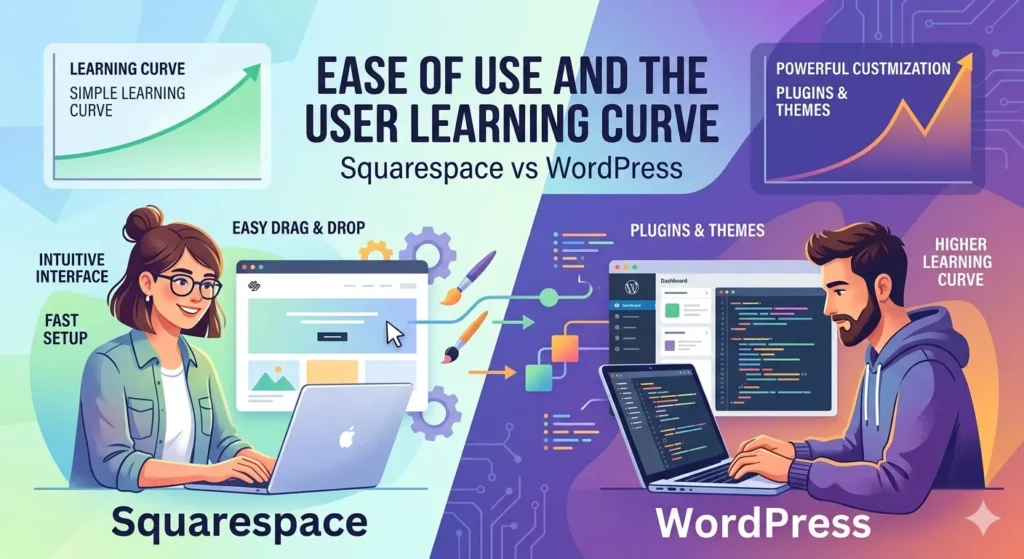
Squarespace is built for speed and simplicity. The platform uses a drag-and-drop editor that lets you move elements around the page visually, without touching a single line of code. For someone building their first website, that’s a huge advantage. You can go from sign-up to a live, polished site in a single afternoon.
WordPress has a steeper learning curve. It’s an open-source content management system (CMS), which means you have more control—but more to figure out. The block-based editor (Gutenberg) has improved significantly in recent years, making basic content creation much more accessible. That said, installing plugins, managing themes, and handling updates requires a level of comfort that beginners often don’t have on day one.
Bottom line: Squarespace wins for simplicity. WordPress rewards those willing to invest time learning the platform.
Design Flexibility and Template Customization
Squarespace offers around 150 templates, all of which are professionally designed and mobile-responsive. The visual editor makes it easy to customize colors, fonts, and layouts without any coding knowledge. However, customization has its limits. The design system is intentionally constrained, which keeps sites looking polished but can feel restrictive for those with a specific vision.
WordPress, on the other hand, gives you access to thousands of free and premium themes. Pair that with a page builder like Elementor or Divi, and the design possibilities are virtually endless. You can build almost any layout you can imagine—provided you have the technical know-how or budget to hire someone who does.
For users who want a beautiful site fast, Squarespace delivers. For those who need pixel-perfect control over every design element, WordPress is the more powerful option.
Core Features and Built-in Functionality
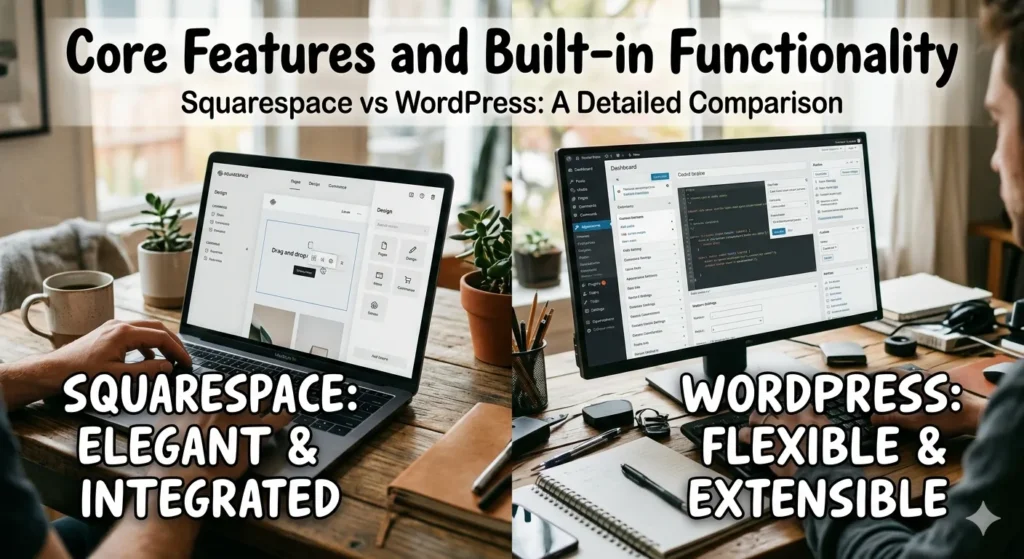
Squarespace packages its core features into a single, integrated platform. Blogging tools, contact forms, scheduling, analytics, and social media integrations all come built-in. You don’t need to install anything or worry about compatibility issues. What you see is what you get—which is both a strength and a limitation.
WordPress takes a fundamentally different approach. The core software is relatively lean, but it’s extensible through a library of over 59,000 plugins. Need a booking system? There’s a plugin for that. Want to add a membership portal, a podcast feed, or a multi-language setup? There are plugins for all of it.
The catch is that plugins need to be maintained. Outdated or poorly coded plugins can slow your site down or create security vulnerabilities. Managing a plugin-heavy WordPress site takes ongoing attention—something Squarespace users largely don’t have to worry about.
SEO Capabilities and Performance Optimization
SEO is an area where both platforms are capable, but in different ways.
Squarespace includes solid built-in SEO tools: clean URL structures, automatic sitemaps, meta title and description fields, and SSL certificates as standard. For most small business owners and bloggers, this is more than enough to get started. The platform has also made meaningful improvements to its SEO features in recent years.
WordPress has long been considered the stronger choice for SEO-focused websites. Plugins like Yoast SEO and Rank Math offer granular control over on-page optimization, schema markup, and technical SEO settings. For content-heavy sites competing in crowded search niches, that level of control can make a real difference.
Page speed is another consideration. WordPress sites can become sluggish if not properly optimized—bloated themes and too many plugins are common culprits. Squarespace handles hosting and performance infrastructure on its end, which means you don’t need to think about caching plugins or server configurations.

A Quick Note on Hosting
With Squarespace, hosting is included. With WordPress (specifically WordPress.org, the self-hosted version), you’ll need to arrange your own hosting through providers like Bluehost, SiteGround, or WP Engine. This adds complexity, but also gives you more control over performance and scalability.
Pricing Structures and Long-term Maintenance Costs
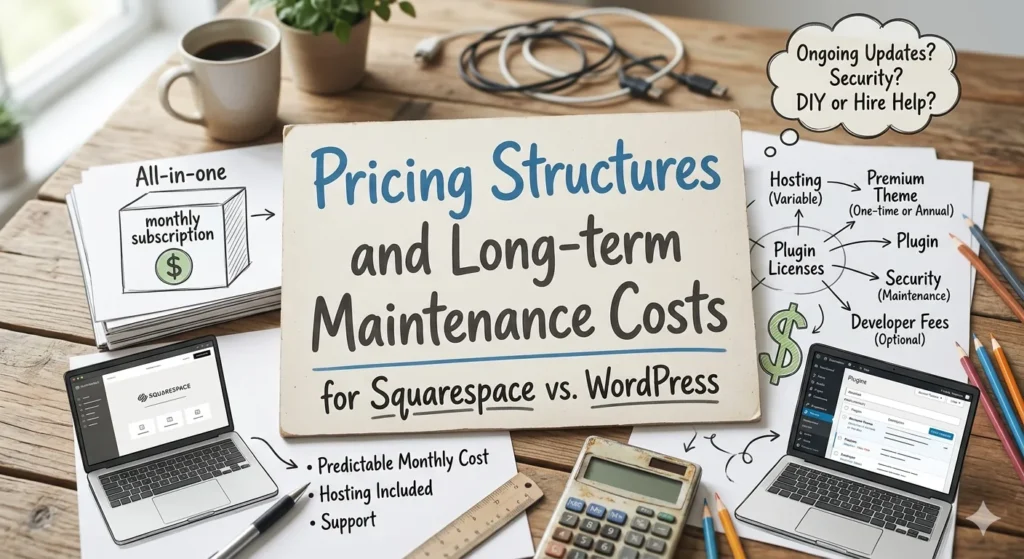
Squarespace uses a straightforward subscription model. Plans range from around $16 to $49 per month (billed annually), with all hosting, security, and software updates included. There are no surprise costs—what you pay is what you get.
WordPress itself is free, but running a WordPress site is not. Here’s a rough breakdown of what you might expect to pay:
- Hosting: $5–$50+ per month depending on provider and plan
- Premium theme: $50–$100 (one-time or annually)
- Premium plugins: Varies widely—some are free, others run $50–$200+ per year
- Developer support: Highly variable, but worth budgeting for
For a basic WordPress site, total annual costs can be comparable to Squarespace. For a complex, plugin-rich site with professional development support, costs can climb significantly. That said, WordPress’s open-source nature means you can keep costs low if you’re technically capable.
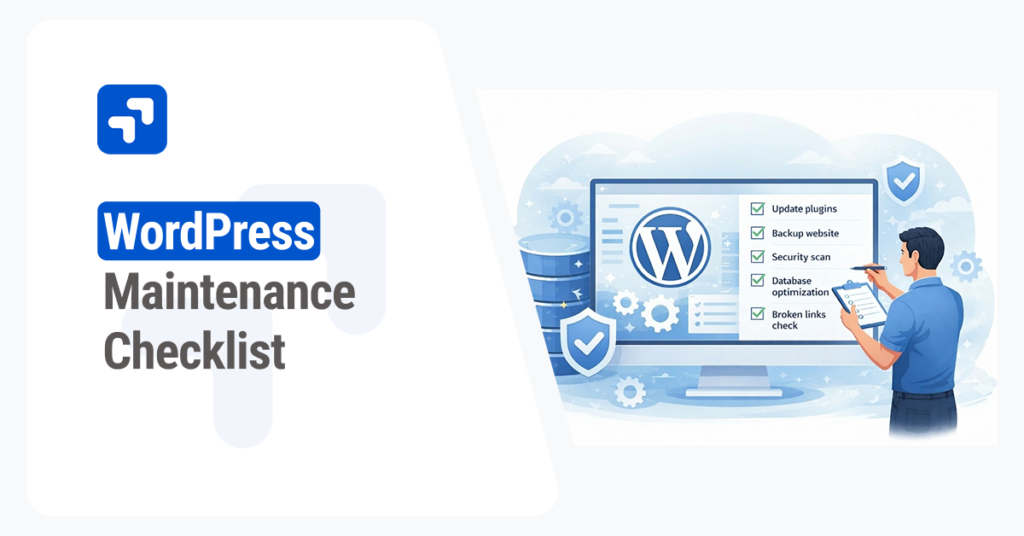
One often-overlooked factor is time. WordPress maintenance—updates, backups, security checks—takes ongoing effort. If your time has a dollar value, factor that into the comparison.
E-commerce Tools and Scalability for Growth
Both platforms support online stores, but they cater to different types of businesses.
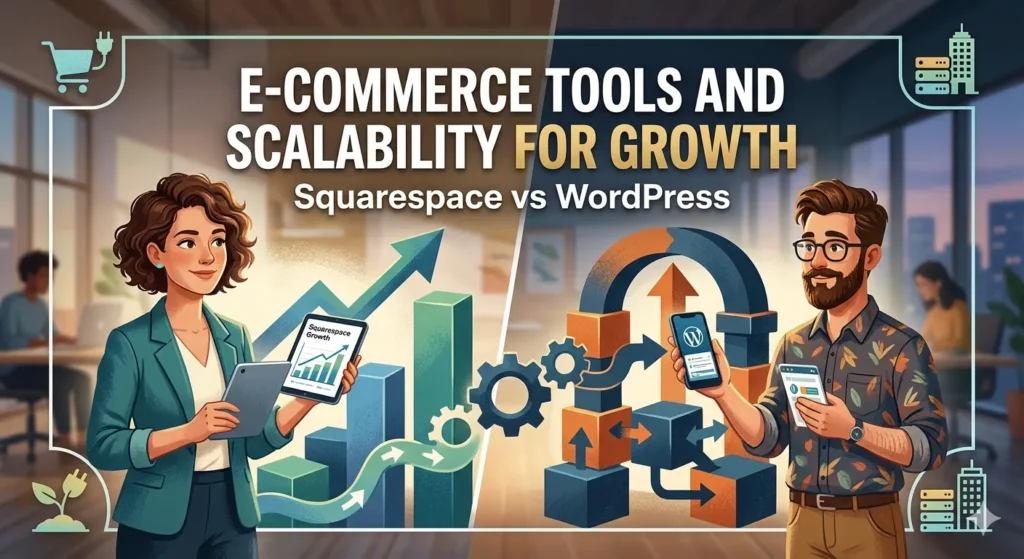
Squarespace’s e-commerce functionality is clean and intuitive. You can list products, process payments, manage inventory, and set up discount codes without any technical setup. It’s well-suited for small to medium-sized stores selling physical or digital products. However, the platform’s e-commerce capabilities have a ceiling—it’s not designed to support very large catalogs or highly customized shopping experiences.
WordPress, combined with WooCommerce (its leading e-commerce plugin), is one of the most powerful open-source e-commerce solutions available. WooCommerce powers a significant portion of online stores globally, and for good reason. It supports virtually unlimited products, complex shipping rules, subscription billing, and an extensive ecosystem of add-ons.
For businesses anticipating serious growth or needing custom e-commerce functionality, WordPress and WooCommerce is the more scalable solution. For small stores that prioritize ease of management over customization, Squarespace is a perfectly capable choice.
What About Squarespace Commerce?
Squarespace’s dedicated commerce plans (starting at $28/month) include features like abandoned cart recovery, advanced shipping, and the ability to sell on Instagram and Facebook. These are genuinely useful for growing businesses—just know that you’ll hit a wall eventually if your needs become complex enough.
Migrating Between Platforms
It’s worth considering what happens if you outgrow your chosen platform. Migrating from Squarespace to WordPress (or vice versa) is possible, but it’s not painless. Content can usually be exported and re-imported, but design elements, custom layouts, and URL structures often need to be rebuilt from scratch. Choosing the right platform upfront—or at least the one with more room to grow—can save you significant headaches down the road.
Final Verdict: Which Platform Suits Your Business Needs?
There’s no single answer here, but there are some clear patterns.
Choose Squarespace if:
- You’re a beginner or non-technical user who wants a professional site without the complexity
- You value a polished design out of the box
- You run a small-to-medium online store and need straightforward e-commerce tools
- You want predictable pricing and minimal maintenance
Choose WordPress if:
- You need deep design customization or specific functionality that requires plugins
- You’re running a content-heavy website and SEO is a top priority
- You anticipate significant growth and need a scalable, flexible platform
- You have access to developer support or are comfortable managing technical tasks yourself
Both platforms have built real businesses for their users. The decision comes down to how you work, what you’re building, and how much time and money you’re willing to invest in your site’s ongoing management.
If simplicity and speed-to-launch matter most, start with Squarespace. If you need room to scale and don’t mind the learning curve, WordPress will serve you better in the long run.
For More Please Visit: WordPress Development Services


Comments