

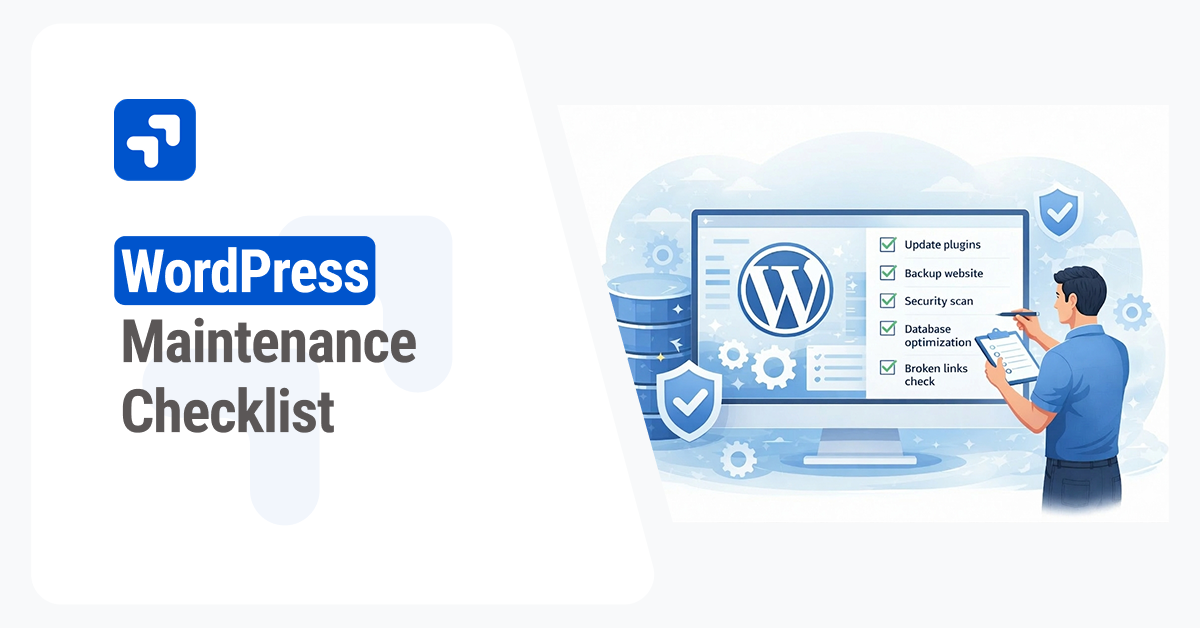
Running a successful website requires consistent attention. Many website owners launch their site and forget about the technical foundation. Over time, outdated software and bloated databases slow down page speeds. Vulnerabilities emerge when plugins fall behind current security standards.
A well-maintained WordPress site provides a better user experience and ranks higher in search results. Regular upkeep prevents catastrophic failures. It saves you from costly emergency repairs when things break.
This guide provides a comprehensive checklist to keep your website fast, secure, and reliable. You will learn how to handle backups, optimize your database, and manage essential updates. Follow these steps to build a bulletproof maintenance routine.
Website Backup Strategies
Data loss happens unexpectedly. Server crashes, malicious attacks, or simple human errors can wipe out years of hard work. A reliable backup strategy serves as your ultimate safety net.
You should run automated backups daily for active sites. Weekly backups might suffice for static portfolios. Store these backups on a remote server or a cloud storage service like Google Drive or Amazon S3. Keeping backups on the same server as your website defeats the purpose of having them entirely.
Several excellent plugins handle this process automatically. UpdraftPlus and Solid Backups stand out as industry favorites. They allow you to schedule automated backups and restore your site with a single click. Always verify that your backup files actually work by performing a test restoration every few months.

Safe Updates for Core, Themes, and Plugins
WordPress developers constantly release updates to fix bugs and patch security holes. Running outdated software leaves your site exposed to hackers.
Always create a fresh backup before initiating any updates. Start by updating your plugins one by one. Check your site after each update to catch any compatibility issues immediately. Once plugins are current, update your active theme. Finally, install the latest version of the WordPress core.
Consider using a staging environment for major updates. A staging site is an exact clone of your live website. You can test new plugin versions and major core updates there without risking your actual site. Most managed WordPress hosting providers offer built-in staging environments.
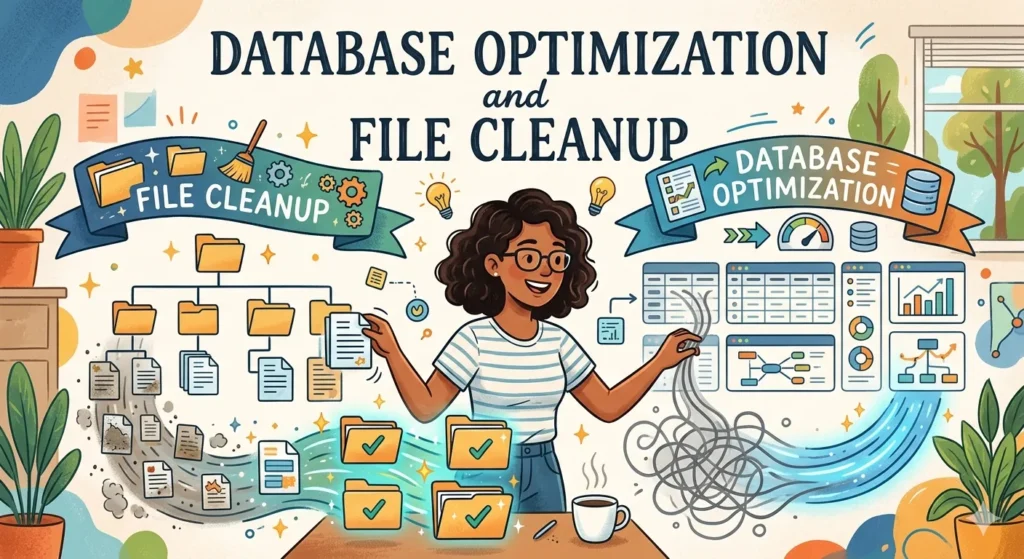
Database Optimization and File Cleanup
Your WordPress database stores all your content, settings, and user data. It accumulates unnecessary data like post revisions, trashed comments, and transient options over time. This bloat slows down server response times.
Cleaning the Database
Use a plugin like WP-Optimize or Advanced Database Cleaner to sweep out the digital dust. These tools remove unneeded revisions and spam comments. They also compress your database tables for faster retrieval. Run a database optimization cycle at least once a month.
Removing Unused Files
Inactive themes and plugins take up valuable server space. They also present potential security risks. Delete any plugins or themes you no longer use. Clear out your media library by removing unattached or duplicate images.
Security Audits and User Permissions
Cyber threats evolve constantly. Regular security audits help you identify vulnerabilities before malicious actors exploit them.
Install a reputable security plugin like Wordfence or Sucuri. Run weekly malware scans to detect suspicious code. Review your firewall settings and ensure login protection measures like two-factor authentication are active.
Review your user accounts frequently. Remove accounts belonging to former employees or guest contributors who no longer need access. Enforce strong passwords for all administrators and editors. Change your own passwords regularly to maintain high security standards.
Performance Testing and Page Speed
A fast website keeps visitors engaged and improves your search engine rankings. Slow load times frustrate users and increase bounce rates.
Test your site speed using tools like Google PageSpeed Insights or GTmetrix. These platforms provide detailed reports on loading bottlenecks. Pay attention to large image files and unoptimized scripts.
Implement a caching plugin like WP Rocket or W3 Total Cache. Caching serves static versions of your pages to visitors, drastically reducing server load. Compress your images using tools like Smush or ShortPixel before uploading them to your media library.

Fixing Broken Links and SEO Metadata
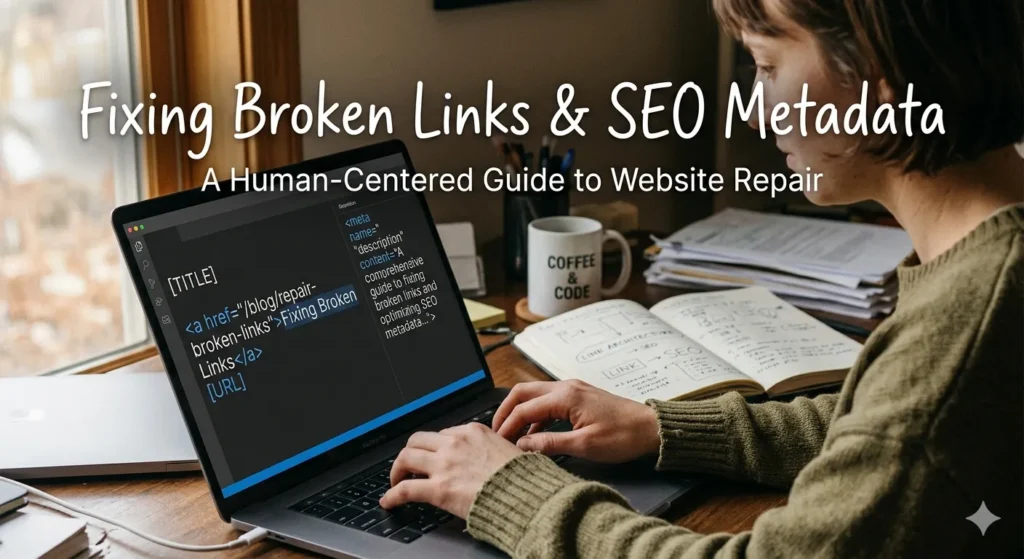
Broken links damage your user experience and harm your search rankings. Visitors hit dead ends, and search engine crawlers fail to index your content properly.
Use a tool like Broken Link Checker or a desktop crawler like Screaming Frog to scan your site. Fix internal broken links by updating the URLs. Redirect dead external links to relevant active pages or remove them entirely.
Review your SEO metadata during this process. Ensure all pages have unique title tags and compelling meta descriptions. Plugins like Yoast SEO or Rank Math make it easy to spot missing metadata across your entire content library.
Managing Comments and Spam
Spam comments clutter your database and damage your brand’s credibility. Unmoderated comment sections often fill up with malicious links.
Activate Akismet or a similar anti-spam tool to catch junk comments automatically. Set aside time each week to review the moderation queue. Approve genuine comments from real visitors to build community engagement. Empty the spam and trash folders regularly to free up database space.

Monitoring Uptime and Server Health
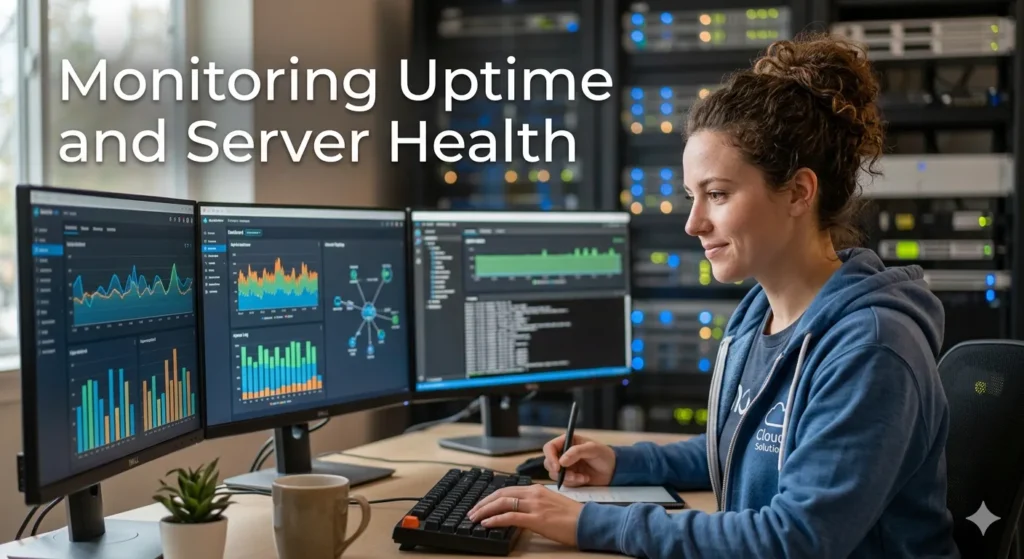
You cannot fix a broken website if you do not know it is offline. Uptime monitoring tools send immediate alerts when your site goes down.
Services like UptimeRobot or Pingdom check your website every few minutes. They notify you via email or SMS if the server stops responding. This allows you to contact your hosting provider and resolve the issue quickly.
Keep an eye on your server resources. Check your hosting dashboard to monitor bandwidth and storage usage. Upgrade your hosting plan if you consistently hit resource limits or experience frequent downtime.
Maintain Your Site for Long-Term Success
Consistent maintenance keeps your WordPress site healthy and secure. Create a regular schedule for these tasks. Handle backups and security scans daily or weekly. Perform database optimization, performance testing, and link checks on a monthly basis.
Automation tools handle much of this workload for you. Set up automated backups, uptime monitoring, and scheduled security scans to save time. A proactive approach to website management prevents minor technical hiccups from becoming major disasters. Start implementing this checklist today to protect your digital asset.


Comments